
AccuQuote User Guide Downloads
[wpfilebase tag=list id=67 tpl=bs_file_list pagenav=1 /]
AccuQuote Desktop Version Installation Instructions & Download
IMPORTANT: Please review the following instructions to download and install the AccuQuote tool. This process is for use with Internet Explorer on a PC. Once these steps are reviewed, select the “Click Here to Begin” link at the bottom of this tutorial. Although the download is quick and easy, you may want to print this sheet as a guide.
Please choose “Open” when prompted to Download or Open the AtriumAccuQuoteInstall.zip file
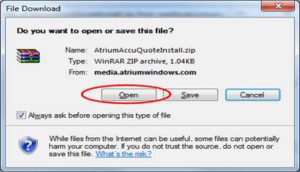
Please double click on the “AccuQuoteInstall.bat” file when the AtriumAccuQuote.zip file opens.

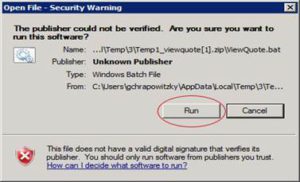
Please click OK or Run to any security messages.
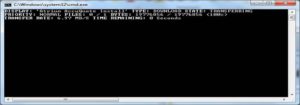
You will see a series of black screens as the tool downloads and installs. This is normal; please do not close anything during the download.
The tool will install when download is complete.
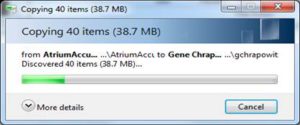
Once completed, the pop-up below will confirm installation.
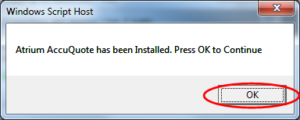
Click OK and you will have an icon on your desktop.
